How Phishing Emails Really Work
11 May 2026
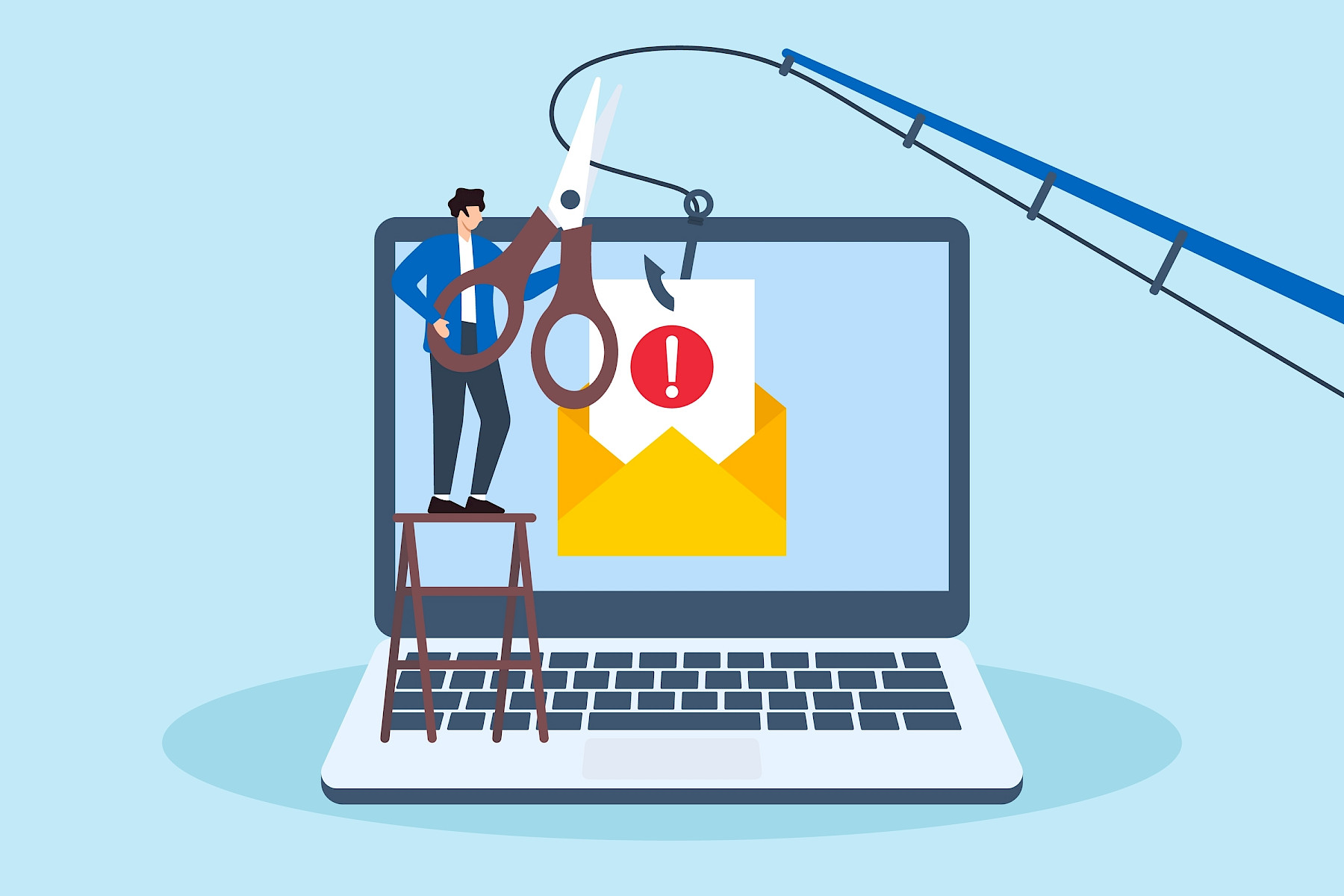
Phishing emails are still one of the most common ways cyber criminals gain access to company systems, steal data, and trick employees into handing over sensitive information. Despite how advanced cyber security tools have become, phishing attacks continue to work because they target people, not just technology.
Many phishing emails are designed to look completely normal. They imitate trusted companies, senior colleagues, suppliers, delivery services, or even internal IT teams. The goal is simple: create urgency, build trust, and convince someone to click a link, open an attachment, or share information.
For businesses of all sizes, employee awareness remains one of the strongest defences.
What Is a Phishing Email?
A phishing email is a fraudulent message designed to trick someone into taking an action that benefits the attacker. That could include:
- Entering passwords into a fake login page
- Downloading malware
- Sharing sensitive company information
- Approving fraudulent payments
- Clicking malicious links
- Opening infected attachments
Some phishing emails are broad and generic, while others are highly targeted and personalised.
Why Phishing Attacks Work
Most phishing attempts rely on psychology rather than technical complexity. Attackers often create messages that trigger:
- Urgency
- Fear
- Curiosity
- Trust
- Pressure from authority
Employees are busy, distracted, and dealing with hundreds of emails every week. Phishing campaigns are designed to exploit those moments where someone reacts quickly instead of stopping to verify.
Common Types of Phishing Emails
Fake Password Reset Emails
These emails claim there is a problem with an account and encourage the user to reset their password immediately. Common examples include:
- “Your mailbox is almost full”
- “Suspicious login attempt detected”
- “Password expires today”
The link usually leads to a fake login page designed to steal usernames and passwords.
Invoice and Payment Scams
Finance teams are frequently targeted with fake invoices or payment requests. Attackers may impersonate:
- Suppliers
- Directors
- Payroll departments
- Clients
These emails often create urgency by claiming payment is overdue or asking for an urgent bank transfer.
Delivery and Parcel Scams
These phishing emails pretend to come from delivery companies and ask users to click a link to track a parcel or pay a small delivery fee. Because online shopping is so common, these messages often catch people off guard.
CEO Fraud and Business Email Compromise
Some attackers impersonate senior management and send messages requesting:
- Gift card purchases
- Confidential documents
- Urgent payments
- Password resets
These attacks are particularly dangerous because employees may feel pressured to respond quickly to senior leadership.
Red Flags Employees Should Look For
Phishing emails often contain warning signs. Employees should be trained to slow down and look carefully before responding.
Unusual Sender Addresses
An email may appear legitimate at first glance, but the actual sender address may contain:
- Misspellings
- Extra characters
- Random numbers
- Slightly altered domain names
For example:
- company-support.co instead of company-support.com
- micros0ft.com instead of microsoft.com
Urgent or Threatening Language
Attackers frequently try to create panic. Examples include:
- “Immediate action required”
- “Your account will be suspended”
- “Payment overdue”
- “Final warning”
Urgency is designed to stop people thinking carefully.
Unexpected Attachments or Links
Employees should be cautious of:
- Unexpected invoices
- ZIP files
- Password-protected attachments
- Links asking them to log in
If something feels unusual, it should always be verified independently.
Poor Grammar or Strange Formatting
While many phishing emails are now highly professional, some still contain:
- Spelling mistakes
- Awkward phrasing
- Inconsistent branding
- Strange formatting
These can be signs that the email is fraudulent.
Requests for Sensitive Information
Legitimate organisations rarely ask for passwords or sensitive information via email. Employees should be suspicious of any request involving:
- Passwords
- MFA codes
- Banking details
- Personal information
- Confidential company data
What Employees Should Do if They Receive a Suspicious Email
The safest response is to pause and verify.
Employees should:
Avoid Clicking Anything
Do not click links, download files, or reply to the message until it has been checked.
Report the Email
Organisations should have a clear reporting process for suspicious emails.
That may include:
- Reporting through Microsoft Outlook
- Forwarding to the IT team
- Using a phishing reporting tool
The earlier phishing attempts are reported, the faster IT teams can respond.
Verify Through Another Method
If the message appears to come from a colleague, supplier, or customer, employees should verify the request through:
- A phone call
- Microsoft Teams
- A known email address
- Existing contact information
Never rely solely on the contact details provided in the suspicious email.
Delete the Email if Confirmed Malicious
Once reported and confirmed as phishing, the email should be deleted.
What Happens if Someone Clicks a Phishing Link?
Mistakes happen. If an employee clicks a suspicious link or enters credentials into a fake website, they should report it immediately.
Quick reporting allows IT teams to:
- Reset passwords
- Revoke sessions
- Scan devices
- Block malicious domains
- Monitor for suspicious activity
Fast action can significantly reduce the impact of a phishing attack.
How Businesses Can Reduce Phishing Risk
There is no single solution that completely prevents phishing attacks, but layered security dramatically reduces risk.
Employee Security Awareness Training
Regular cyber security training helps employees recognise suspicious emails and respond correctly.
Training should include:
- Real-world phishing examples
- Simulated phishing campaigns
- Reporting procedures
- Safe password practices
Multi-Factor Authentication (MFA)
Even if passwords are stolen, MFA adds another layer of protection.
This is one of the most effective ways to reduce account compromise.
Email Security Filtering
Modern email filtering tools can detect and block many phishing attempts before they reach inboxes.
However, no filter catches everything.
Clear Internal Processes
Businesses should establish verification procedures for:
- Payment requests
- Supplier bank changes
- Password resets
- Sensitive document sharing
Clear processes reduce the chance of employees acting on fraudulent requests.
Maple's Thoughts
Phishing emails continue to evolve because they work. Attackers are becoming more convincing, more targeted, and increasingly difficult to spot. Technology plays an important role in reducing risk, but employee awareness remains essential. Teaching staff how phishing emails really work gives them the confidence to recognise suspicious activity, avoid common traps, and report incidents quickly. In cyber security, a few extra seconds of caution can prevent a major breach.