Microsoft 365 and ISO 27001: the changes that actually got us over the line
17 August 2026
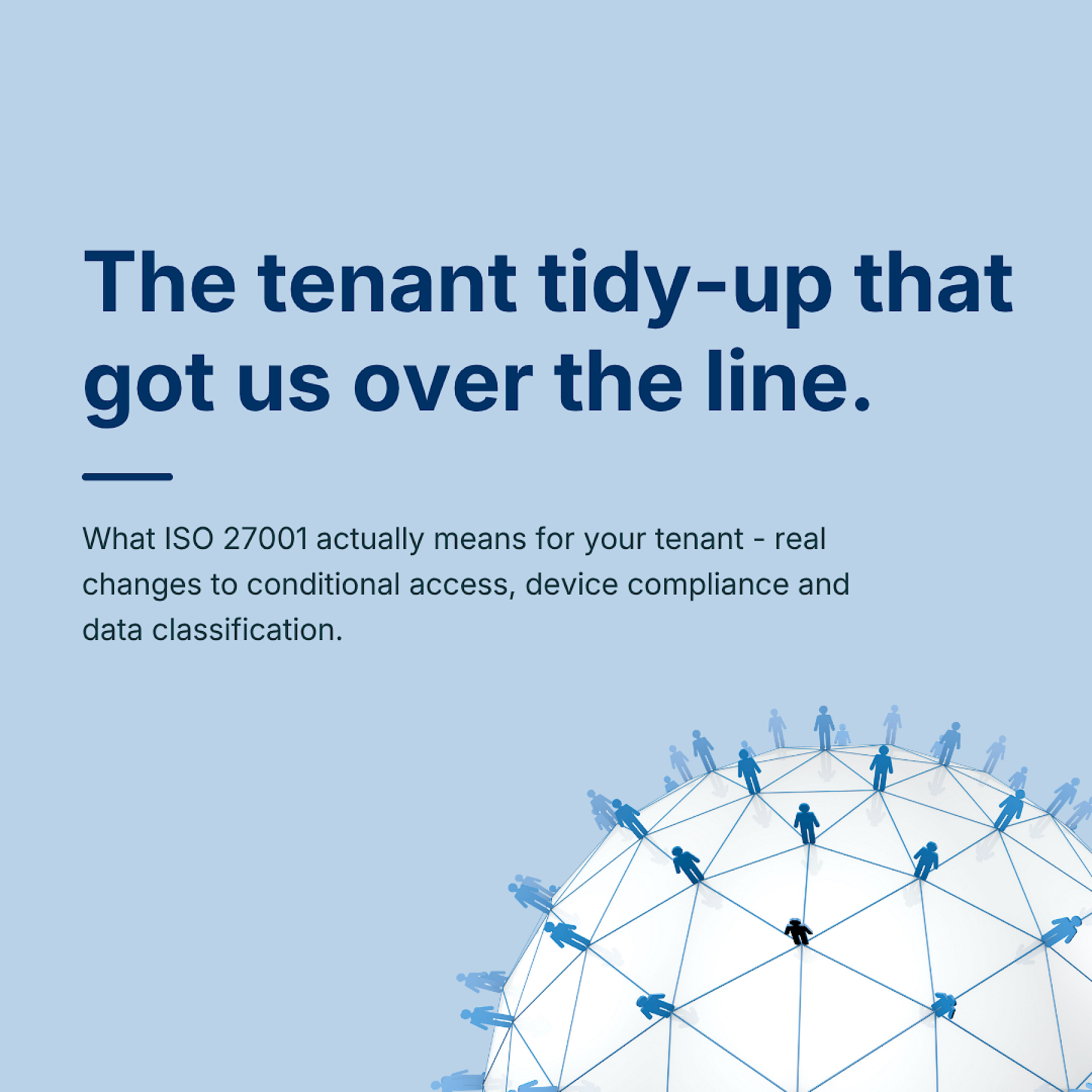
When people ask what ISO 27001 actually changes day to day, the honest answer is: mostly what's sitting inside your Microsoft 365 tenant. It's the least glamorous part of the accreditation and the part that took the most actual work.
There's a version of this process people imagine. Lots of policy documents. A binder somewhere. A consultant who turns up once, writes some things down, and leaves. That's not what happened here. The policies were the easy bit. The hard bit was making the tenant itself match what the policies claimed.
A few things we had to properly sort before the auditors would sign off.
Conditional access for ISO 27001: more than switching on MFA
Not "MFA is switched on," but rules that account for where someone's logging in from, what device they're on, and what happens when something looks off. Most businesses have MFA. Fewer have thought through what it's actually protecting against.
We had to sit down and work through every realistic scenario. What happens if someone tries to log in from a country we've never worked with. What happens if the device isn't one we've issued. What happens if someone's password shows up in a breach dataset somewhere. Each of those needed a rule, and each rule needed testing, because a conditional access policy that blocks your own MD from getting into his email at 7am is not a policy anyone keeps.
Device compliance vs device inventory
Knowing what laptops exist is one thing. Knowing whether each one meets a minimum security standard before it's allowed anywhere near company data is a different, harder question, and it's the one an auditor actually asks.
It's easy to have a spreadsheet that says "12 laptops, all present and correct." It's much harder to say with confidence that all 12 have disk encryption switched on, are running a current OS version, and would actually get blocked from accessing SharePoint if any of that slipped. That second thing is what compliance policies in Intune are for, and getting them to enforce properly, rather than just report on paper, took more back and forth than we expected.
Data classification in SharePoint and Teams that actually holds up
Labels that mean something, applied consistently, not a folder structure that made sense to one person in 2022 and nobody since. This was probably the most tedious part of the whole process, and also the part with the biggest gap between "what we assumed" and "what was actually true."
Sensitivity labels are only useful if people apply them, or if they're applied automatically based on content, and neither of those happens by accident. We had to go back through existing libraries, work out what actually lived where, and then build labelling that would hold up rather than just look tidy on the day the auditor visited.
Where the ISO 27001 gap usually is
None of this is exotic. It's the unglamorous, slightly tedious work of making sure the tools your team already uses every day are actually configured the way you'd assume they already were. If you use Microsoft 365 and you've never had someone properly audit conditional access, device compliance and data labelling in one pass, that's usually where the gap is. Not in some obscure control you've never heard of. In the settings you assumed were already right.
Staying compliant, not just passing the audit
Conditional access rules need revisiting when new starters join, when someone starts working from a different country, when a new app gets added to the tenant. Device compliance needs monitoring, not just setting up once. Labels drift unless someone owns them. ISO 27001 doesn't ask you to get this right on the day of the audit. It asks you to keep it right, which is a different and slightly less glamorous commitment, but the one that actually matters.
Happy to talk through what we found in our own tenant if it's useful for thinking about yours.