Practical ways to stay secure when working from home
15 May 2026
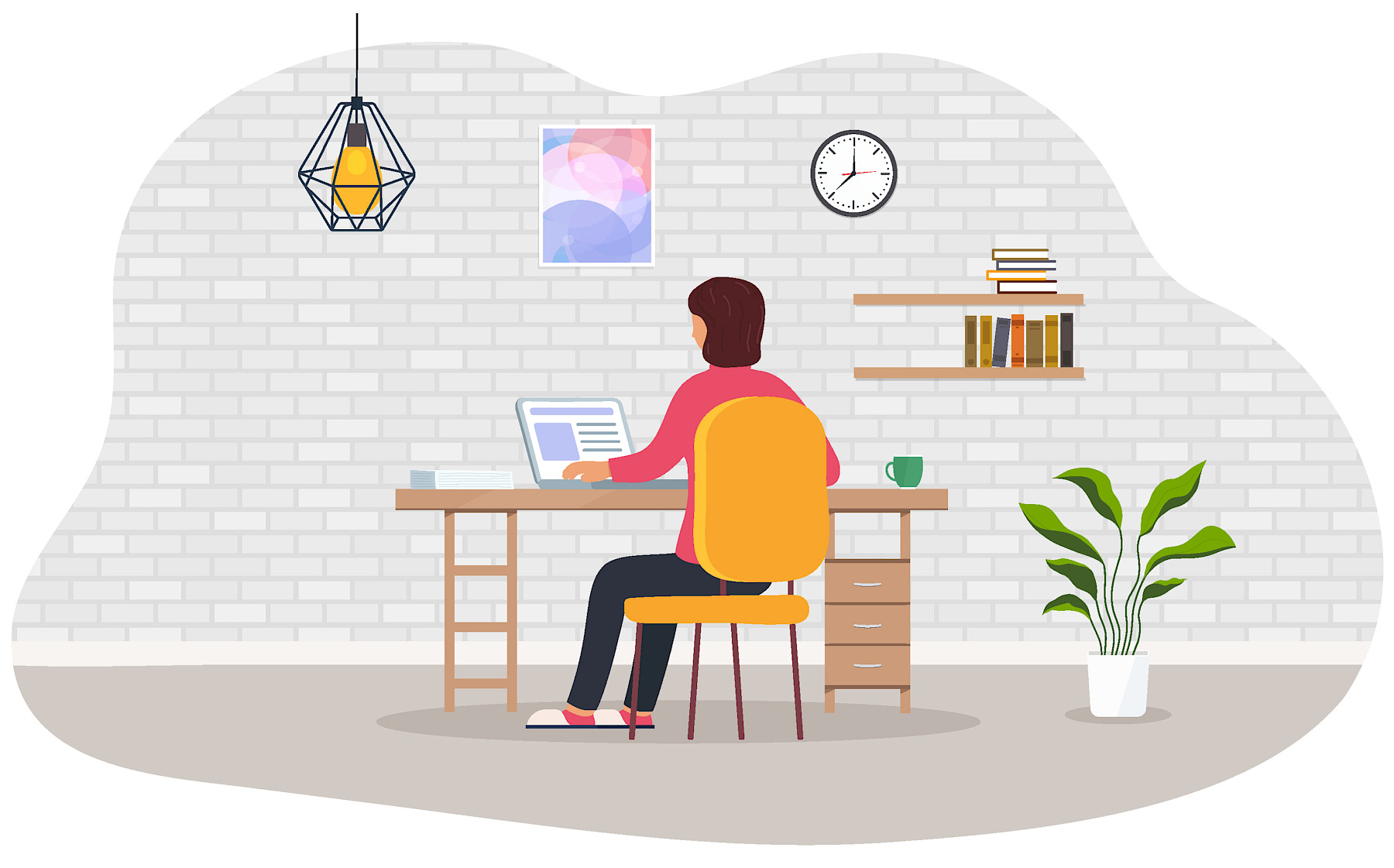
Remote working is now a standard way of operating for many organisations across the UK. It offers flexibility and better work life balance, but it also introduces security risks that are easy to overlook when people are outside the office environment.
The good news is that most of these risks can be reduced with a few sensible habits and the right tools in place. Below is a clearer look at the main issues and practical tips to help keep your business secure.
1. Home WiFi security gaps
Home networks are rarely set up with the same level of protection as corporate systems. Routers are often left on default settings, passwords may be reused, and software updates can be missed. This creates an easy entry point for attackers if a network is not properly secured.
Practical tips
- Change your router password from the default setting
- Use WPA2 or WPA3 encryption if available
- Keep router firmware updated
- Avoid using public WiFi for work without protection
- Use a VPN when accessing company systems remotely
Even small improvements here can significantly reduce risk.
2. Personal device usage
Using personal laptops or phones for work can feel convenient, but it can also create security gaps. Personal devices may not have the same protections as company-managed equipment. This can include missing updates, weaker passwords, or lack of encryption.
Practical tips
- Keep all devices updated regularly
- Use antivirus or endpoint protection software
- Enable device encryption where possible
- Separate work and personal accounts
- Avoid downloading unapproved software
Where possible, organisations should provide managed devices or use mobile device management tools to maintain security standards.
3. Phishing and social engineering
Phishing attacks remain one of the most common threats for remote workers. These often arrive as emails or messages pretending to be from trusted colleagues, suppliers, or IT teams. Without face to face confirmation, it becomes easier for attackers to trick users into clicking links or sharing sensitive information.
Practical tips
- Double check sender email addresses carefully
- Be cautious of urgent or unusual requests
- Do not click links or attachments unless verified
- Use a separate communication channel to confirm requests
- Report suspicious messages immediately
Regular training helps employees recognise these threats more confidently.
4. Unsecured remote access tools
Remote access platforms are essential for flexible working, but if they are not set up correctly, they can become a weak point. Weak passwords, missing multi factor authentication, or outdated software can all increase exposure.
Practical tips
- Always enable multi factor authentication
- Restrict access to approved users only
- Keep remote access software up to date
- Review permissions regularly
- Log and monitor access activity where possible
A well managed setup reduces risk while still allowing teams to work efficiently.
How Maple can help
Managing remote working security is not just about technology. It is about creating consistent habits, clear policies, and the right support structure for your team. Maple helps organisations strengthen their security by improving remote access setups, supporting safer device management, and guiding teams on practical cybersecurity best practice. We work with businesses to identify weak points, simplify processes, and reduce everyday risks without making systems harder to use.
Remote working is here to stay, but security does not need to be complicated. With a few practical changes and ongoing awareness, businesses can significantly reduce their exposure to common threats. If you want to review your current remote working setup or improve your security posture, Maple can help you take a practical and structured approach that fits the way your team actually works. Get in touch.
Cybersecurity Checklist for SME's