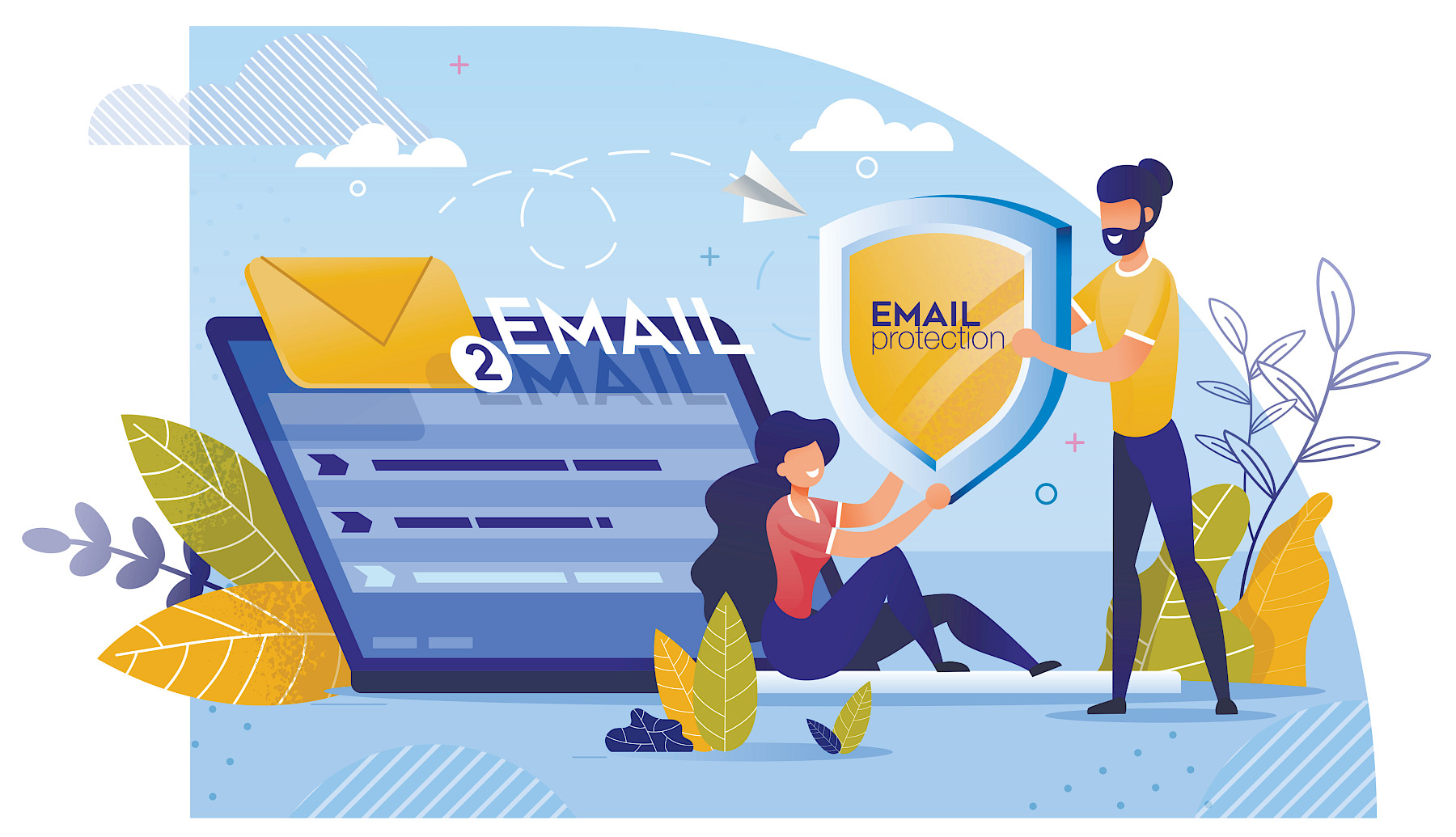
Email Security Tips Every Employee Should Follow
11 June 2026
Email remains one of the most common ways cyber criminals target businesses. Whether it's a malicious attachment, a fake login page, or an email pretending to be from a trusted colleague, a single click can lead to serious consequences.
The good news is that many email-based threats can be avoided with a few simple habits. Here are some essential email security tips every employee should follow.
Think Before Opening Attachments
Unexpected attachments should always raise a red flag, especially if they come from someone you don't know.
Before opening any file:
- Check who sent the email
- Consider whether you were expecting the attachment
- Be cautious of file types such as ZIP files, executable files, or documents asking you to enable macros
- If in doubt, contact the sender through another method to confirm it is genuine
Cyber criminals often use attachments to install malware or ransomware on company devices.
Be Careful with Links
A link may look legitimate at first glance, but appearances can be deceiving.
Before clicking:
- Hover over the link to see where it actually leads
- Look for spelling mistakes or unusual web addresses
- Be cautious of shortened URLs that hide the destination
- Never enter passwords after following a link from an unexpected email
When possible, visit websites directly through your browser rather than using email links.
Watch Out for Impersonation Emails
Attackers frequently pretend to be trusted contacts, suppliers, customers, or senior managers.
Common signs include:
- Requests for urgent action
- Unexpected payment instructions
- Requests for sensitive information
- Messages creating pressure or panic
- Slightly altered email addresses that resemble legitimate ones
Taking a moment to verify unusual requests can prevent costly mistakes.
Pay Attention to Warning Signs
Many phishing emails share common characteristics, including:
- Poor grammar or spelling mistakes
- Generic greetings such as "Dear Customer"
- Unusual formatting or branding
- Requests for passwords or confidential information
- A sense of urgency designed to encourage quick action
If something feels unusual, trust your instincts and investigate further.
Report Suspicious Emails
One of the most important things employees can do is report anything suspicious.
Even if you're unsure whether an email is malicious, reporting it allows your IT team to investigate and protect other users if necessary.
Early reporting can stop an attack before it spreads across the organisation.
Make Email Security Part of Everyday Work
Cyber security isn't just an IT responsibility. Every employee plays a role in protecting business data, systems, and customers.
By slowing down, checking emails carefully, and reporting concerns promptly, organisations can significantly reduce their risk of falling victim to phishing attacks and other email-based threats.
How Maple Can Help
At Maple Technology, we help businesses strengthen their cyber security through user awareness training, email security solutions, Microsoft 365 protection, and proactive IT support.
If you'd like to improve your organisation's email security, our team is here to help.