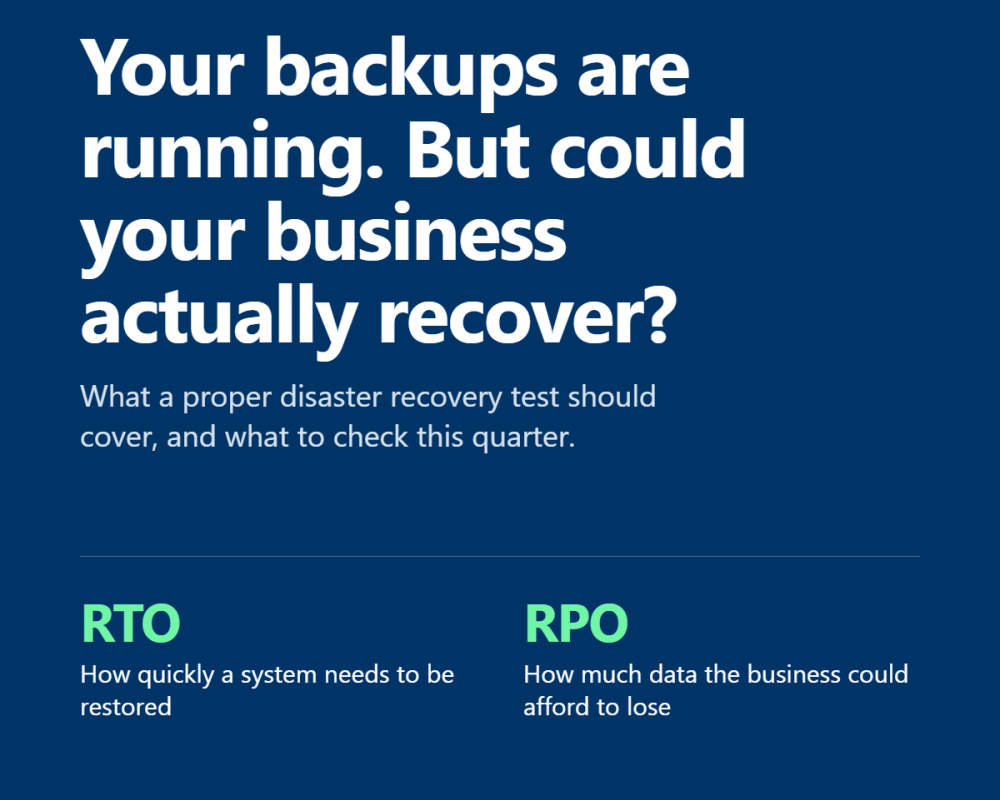
Your backups are running. But could your business actually recover?
14 October 2026
Most businesses know their data is being backed up. Far fewer have tested how quickly they could get everything back if something went wrong. A successful backup job is a good start, but it doesn't guarantee you can restore your systems, access your data or get your team working again when you need to. For financial services firms, where even a few hours of downtime can affect clients, transactions and regulatory obligations, that distinction matters.
Here's what a proper disaster recovery test should cover, what to check this quarter and how to turn the results into something useful.
A backup is only as good as your ability to restore it
Imagine your business loses access to its Microsoft 365 environment, a critical server fails or ransomware encrypts your files.
Your IT provider confirms that backups are available. That's reassuring, but it doesn't answer the questions that matter most:
-
Can you restore the data? A backup can exist but still be incomplete, corrupted or unusable.
-
How long will recovery take? Restoring a system in two hours is very different from taking two days.
-
How much data could you lose? Your latest usable backup might not be as recent as you think.
-
Can your team actually work? Recovering a server is one thing. Restoring access, permissions, applications and the systems your business depends on is another.
These are the questions a disaster recovery test should answer before you're dealing with a real incident.
What should a proper disaster recovery test include?
A useful test goes beyond checking a backup dashboard. It should demonstrate that your business can recover, within an acceptable timeframe, from a realistic disruption.
1. Restore real data and check that it works
Choose a critical system or dataset and restore it from a backup into a safe test environment.
Then verify that the data is complete, files open correctly, applications function and the right people can access what they need.
A green tick on a backup report is not proof that a recovery will work.
2. Measure recovery time against business needs
Two questions are particularly important:
-
Recovery Time Objective (RTO): How quickly does a system need to be restored?
-
Recovery Point Objective (RPO): How much data could the business afford to lose, measured in time?
For example, if your agreed RTO is four hours, record how long the test actually takes. If your RPO is one hour, check whether the recovered data meets that requirement.
These targets should reflect the impact of downtime on your business, not simply what your technology happens to deliver.
3. Test the people and processes, not just the technology
A recovery plan needs to work when the usual decision-maker is unavailable.
Check that your team knows:
-
Who can declare a major incident and authorise recovery.
-
Who contacts staff, clients and relevant third parties.
-
Who is responsible for technical recovery and business decisions.
-
Where the recovery instructions are stored and how to access them if your normal systems are unavailable.
-
Who takes over if a key person is on leave.
The middle of an incident is the wrong time to discover that the only person with the necessary access is on holiday.
4. Consider what happens when a supplier is affected
Your business may rely on cloud platforms, internet connectivity, specialist applications and external IT providers.
Test what happens if a critical supplier is unavailable, or if your usual recovery method depends on a system that has also been affected.
For ransomware scenarios, consider whether backups are isolated or otherwise protected against the same attack. A recovery plan should not assume that every backup will remain accessible during an incident.
Your quarterly disaster recovery checklist
You don't need to simulate a company-wide disaster on day one. Start with a manageable test, record the results and build from there.
Use this checklist at your next review.
-
Identify your three most business-critical systems.
-
Confirm that each has a documented recovery time and acceptable data-loss target.
-
Check that recent backups completed successfully.
-
Restore at least one critical system or dataset into a safe environment.
-
Verify the restored data and test that the system works as expected.
-
Record the actual recovery time and the age of the recovered data.
-
Confirm that the relevant people know their roles and can access recovery instructions.
-
Identify any gaps, assign an owner to each action and agree a deadline.
-
Schedule the next test and check that outstanding issues have been resolved.
The most important step is the last one. A test that identifies a problem but never gets followed up has limited value.
How often should you test?
There isn't one testing frequency that suits every business. It depends on the importance of your systems, how quickly your technology changes, your contractual commitments and the impact of a prolonged outage.
As a practical starting point:
-
If you've never tested recovery: Start with one critical system and establish a baseline.
-
If you test annually: Consider quarterly recovery tests for your most important systems, with smaller restore checks more frequently.
-
If you already test regularly: Introduce different scenarios, including ransomware, supplier outages and the loss of access to your normal working environment.
Repeat relevant tests after significant changes to systems, backup arrangements or business processes. A plan that worked last year may no longer reflect how your business operates today.
What evidence should you keep?
For regulated firms, disaster recovery testing should form part of a wider approach to operational resilience. Relevant FCA and PRA requirements depend on the firm's regulatory status and the services in scope.
Regardless of your regulatory obligations, keeping clear evidence helps you understand whether your arrangements work and demonstrate that recovery risks are being managed.
For each test, retain:
-
The date, scope and scenario tested.
-
The systems and backups included.
-
The recovery targets and actual results.
-
Any failures, limitations or unexpected delays.
-
The corrective actions, named owners and target dates.
-
Evidence that the actions were completed and, where necessary, retested.
This gives management, auditors and clients a much clearer picture than a document simply stating that a disaster recovery plan exists.
Maple's thoughts
Disaster recovery isn't about having a plan that looks good on paper. It's about knowing what happens when something goes wrong, how quickly your business can get back on its feet and where the gaps are before they become real problems.
At Maple, we believe recovery arrangements should be practical, regularly reviewed and aligned with how your business actually operates.
If you're unsure when your backups were last tested, what your recovery targets are or whether your current arrangements would stand up to a real incident, it's worth reviewing them before you need them.
Want to review your disaster recovery arrangements?
Speak to our London team for a no-obligation conversation about your current setup and where to start.
Email connect@mapletech.co.uk or call 020 3900 4300.
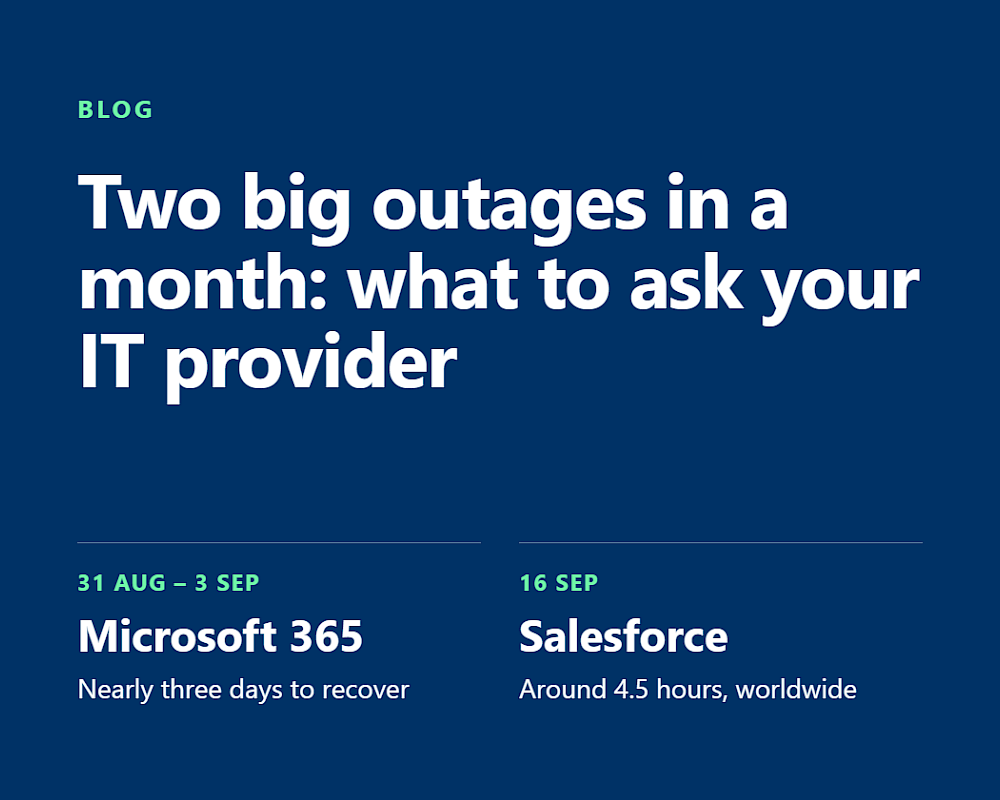
Two big outages in a month: What to ask your IT provider