How to plan an IT project without disrupting your working day
11 November 2026
Whether you're moving offices, replacing laptops or changing a business system, IT projects affect people as well as technology.
A successful change isn't just about completing the technical work. It's also about making sure staff know what's happening, dependencies are understood and the business can continue working as smoothly as possible.
Here are six practical steps to help plan an IT project.
1. Define what you're trying to achieve
Start with the outcome, not the equipment or software.
Are you improving performance, supporting a new office, replacing ageing devices or making a process easier?
Be clear about what success looks like. This helps keep the project focused and gives everyone a shared understanding of the objective.
2. Agree the scope
Identify what's included and what isn't.
For an office move, for example, the scope might include moving monitors and laptops, reconnecting equipment and testing meeting room technology. Furniture removal or changes to internet connectivity may need separate arrangements.
Confirming the scope early reduces the risk of assumptions creating extra work later.
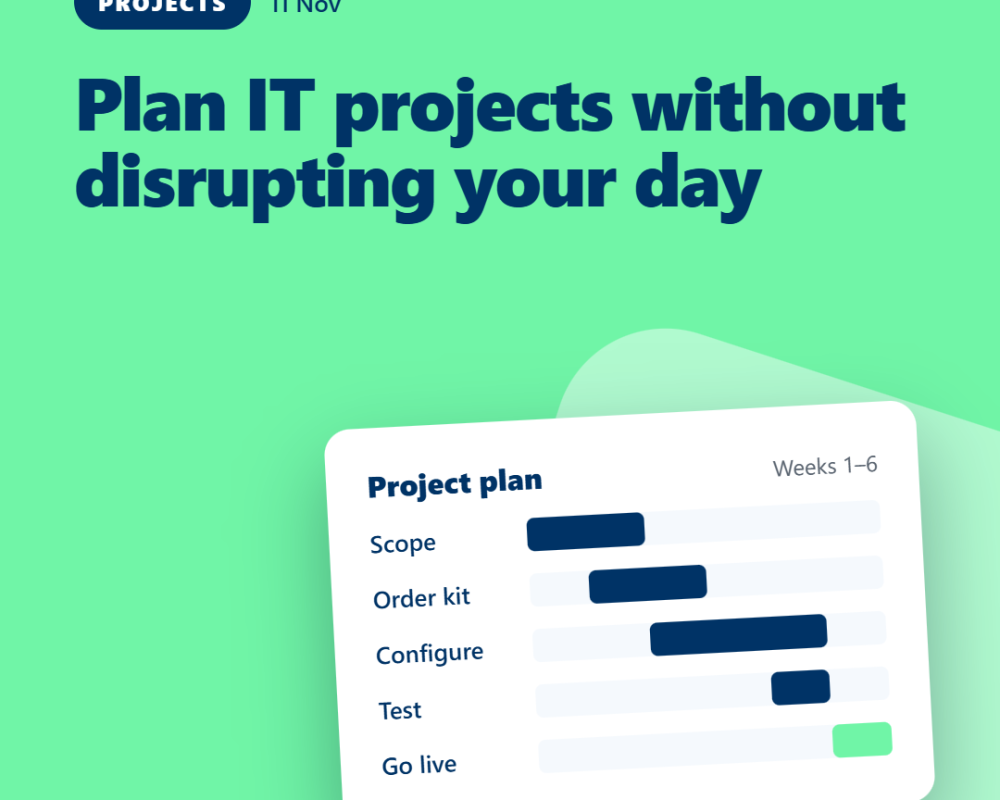
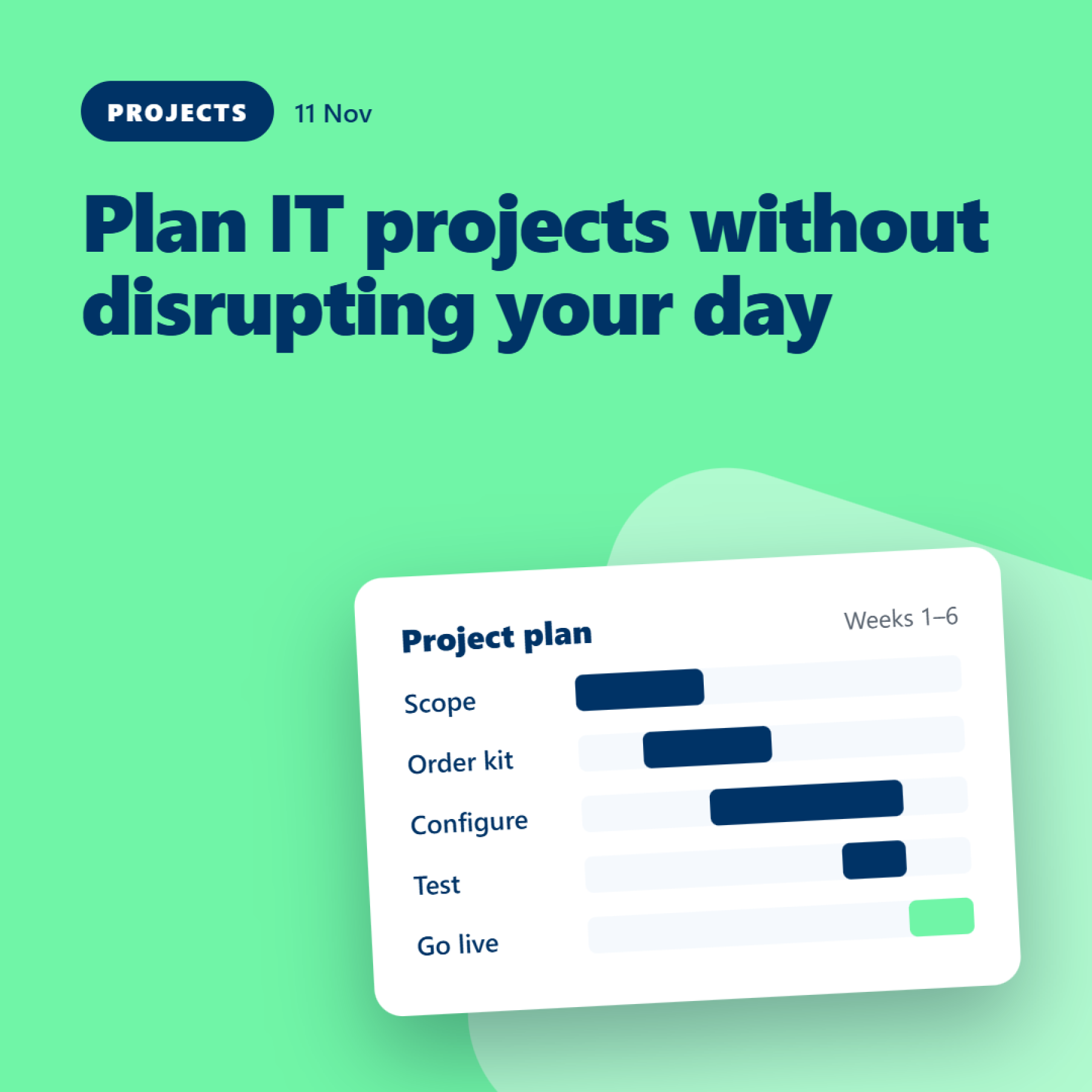
3. Identify dependencies
Some tasks cannot happen until others are complete.
Equipment may need to arrive before it can be configured. A new office may need connectivity ready before staff can work there. A software change may depend on approvals, testing or access being available.
List the key tasks, who owns them and what each task depends on.
4. Plan around the working day
Consider when the change will cause the least disruption.
Can the work happen outside core hours? Will staff need to stop using a system? Are there particularly busy periods or important deadlines to avoid?
Communicate the timing clearly and give users practical instructions. If there will be downtime, explain what is affected and what alternatives are available.
5. Test before declaring success
A task isn't finished just because the equipment has been delivered or the system has been switched on.
Test the things people actually need to do. Can they sign in? Can they access the right files? Do their applications work? Can they join meetings and use the equipment they rely on?
Testing should be proportionate to the change, but it should never be an afterthought.
6. Agree what happens if something goes wrong
Even well-planned projects can encounter unexpected problems.
Before starting, understand how issues will be reported, who will make decisions and what the fallback arrangements are if a key part of the change doesn't work.
This doesn't mean expecting the worst. It means having a sensible plan rather than making important decisions under pressure.
A simple project checklist
Before work begins, confirm:
-
The objective and scope.
-
The people responsible for each task.
-
The dependencies and deadlines.
-
The impact on staff and clients.
-
The communication plan.
-
The testing requirements.
-
The fallback arrangements.
-
Who will confirm that the project is complete.
The takeaway
Good project planning doesn't eliminate every surprise. It makes the work more predictable, gives people clearer expectations and helps identify problems earlier.
At Maple, we help clients plan and coordinate IT changes around their business needs, with attention to the practical details that can make the difference between a smooth change and a disruptive one.