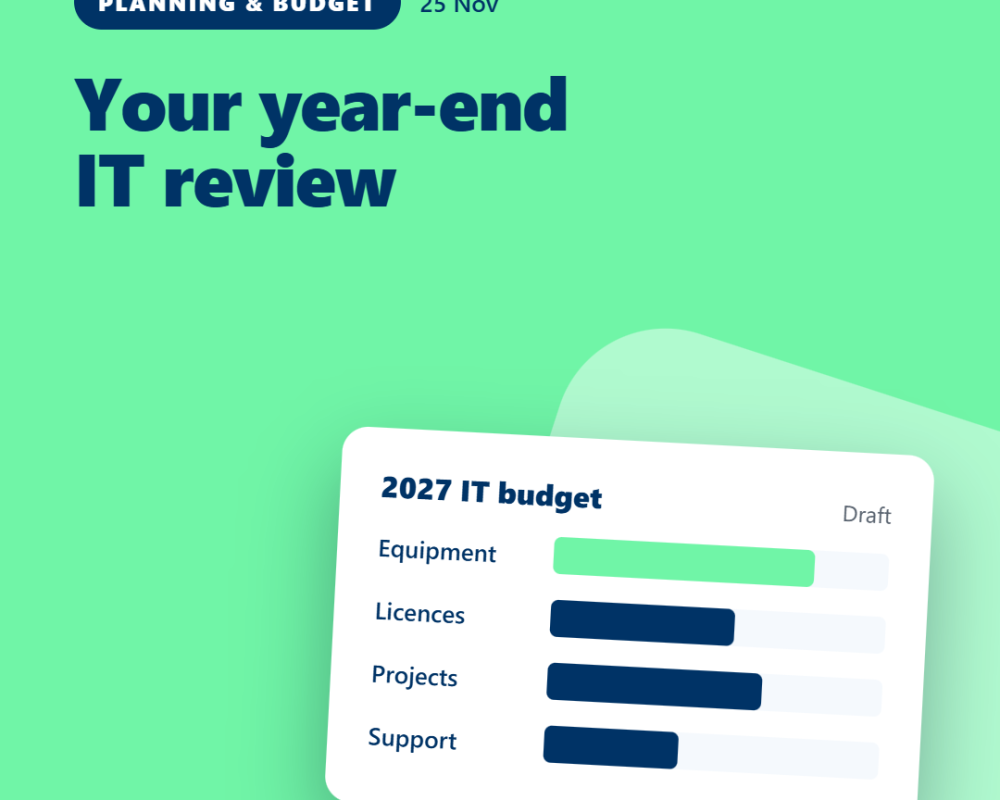
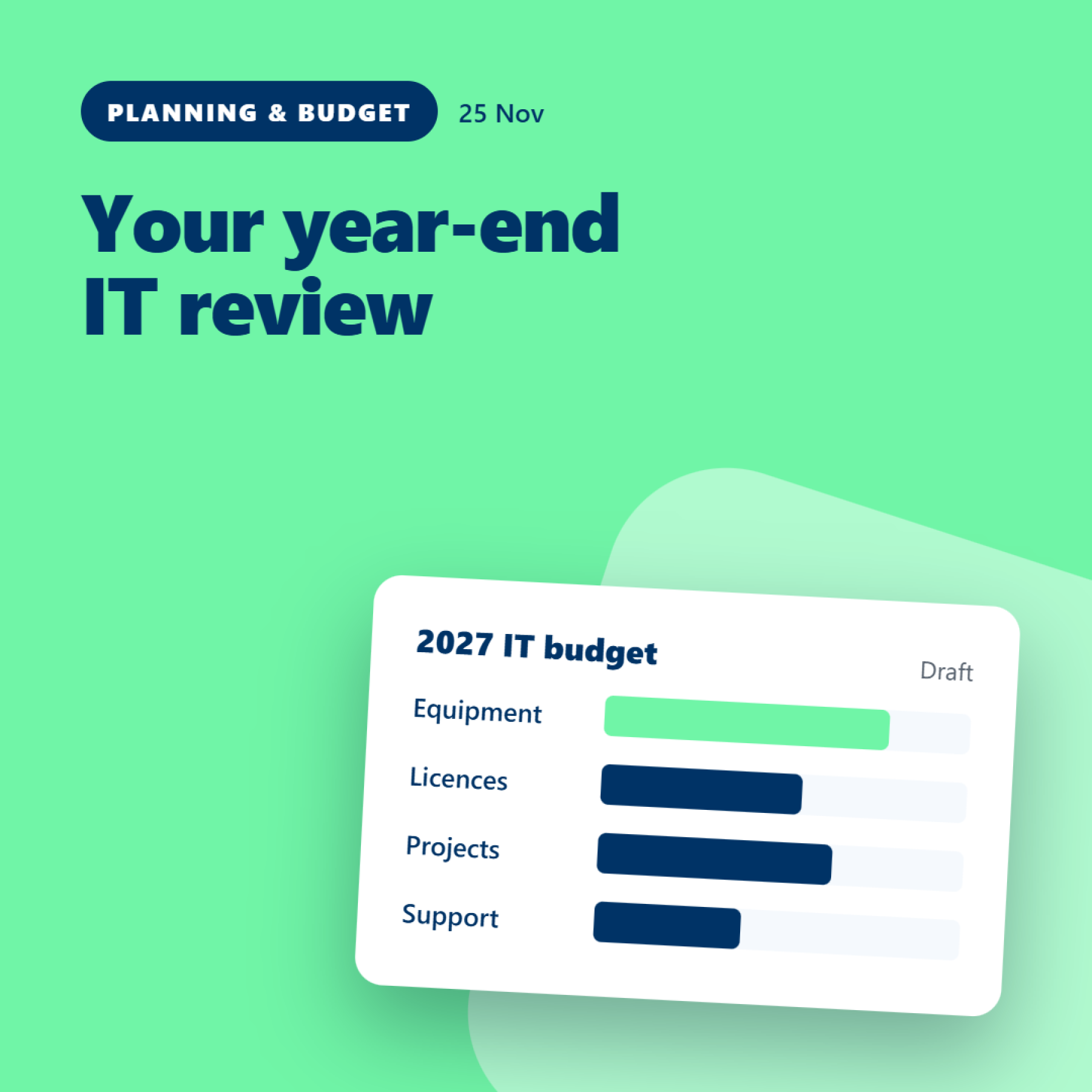
Your year-end IT review: what to check before setting next year's budget
25 November 2026
As the year draws to a close, it's a good time to look at what your business will need from its IT over the next 12 months.
A year-end review doesn't have to involve a lengthy report or a major project. A focused check of equipment, renewals, planned changes and priorities can help you make better decisions about next year's budget.
Here are five areas worth reviewing.
1. Equipment and replacement plans
Review the laptops, desktops and other devices currently in use.
Which devices are ageing? Are warranties due to expire? Have any recurring problems affected productivity? Are there new starters or planned changes that will require additional equipment?
You don't necessarily need to replace every older device. The aim is to identify where replacement is likely to be needed and plan the cost before it becomes urgent.
An accurate asset register can help you prioritise equipment and spread expenditure where practical.
2. Licences and renewals
Make a list of upcoming software renewals and subscriptions.
Check which services are still needed, who uses them and when the current commitments end. Recruitment, role changes and changes in how the business works can all affect what you need.
Avoid assuming that every licence should be removed or reduced. The important thing is to understand the requirements and make informed decisions before renewal dates arrive.
3. Recruitment and business changes
Your IT budget should reflect where the business is going, not just what it spent last year.
Are you planning to recruit? Open another office? Change how people work? Introduce a new application or replace an existing system?
These plans may affect equipment, licensing, setup, connectivity and support requirements.
Discussing upcoming changes early gives you more time to obtain quotations and plan the work.
4. Projects and improvements
Review the projects you want to complete next year.
Some may be essential, while others could improve efficiency or make future work easier. List the expected costs, benefits, dependencies and timing.
It can help to separate the items that need immediate attention from those that can be planned over several months.
This makes the budget easier to discuss and helps prevent every proposed improvement from being treated as equally urgent.
5. Business priorities and risks
Consider whether any changes in the business have created new IT requirements.
That could include new systems, changes to access, equipment needs, supplier arrangements or improvements to existing processes.
Agree which areas need attention and why. Where relevant, involve your IT provider to understand the options, likely costs and practical implications.
The objective is to connect spending to real business requirements rather than buying technology simply because it's available.
Turn the review into a plan
Once you've gathered the information, create a straightforward list of proposed expenditure.
For each item, record:
-
What is needed.
-
Why it is needed.
-
The estimated cost.
-
When it is likely to be required.
-
The consequence of delaying it.
-
Who needs to approve the decision.
You can then group the items into essential spending, planned improvements and longer-term considerations.
Remember to distinguish between one-off purchases and ongoing costs, and to confirm whether estimates include VAT.
The takeaway
A useful IT budget starts with understanding what the business has today and what it expects to need tomorrow.
A year-end review gives you an opportunity to plan ahead, prioritise spending and reduce the likelihood of unexpected purchases disrupting the budget.
Maple works with businesses to review their IT requirements, plan upcoming changes and make informed decisions about equipment, services and improvements.